
When you are too focused on what’s next, keep publishing new content, chasing new keywords, testing new formats, you can easily miss the opportunities your existing content is bleeding.
Pages that used to rank have slipped. Outdated posts are sending the wrong signals to Google. Some content doesn’t convert at all. And still, the traffic goals get higher, the backlog gets longer, and the pressure to produce keeps building.
That’s the leaky bucket effect. You’re pouring in time, money, and effort, but unless you fix the underlying leaks, it never really fills.
A content audit is how you pause and take stock. It’s THE ONLY way to find what’s holding you back, what still has legs, and where you can make small changes that drive better ROI across your whole content library.

TL:DR;
- A content audit helps you spot leaks in your site by evaluating what’s underperforming, what still has potential, and what needs to go.
- Start with your ICPs and business goals. These give context to what “good content” means and keep your audit aligned with growth priorities like MRR, retention, or trial signups.
- Take inventory of all your URLs using tools like Screaming Frog or GSC. This gives you a clean, complete view of your content library.
- Analyze performance metrics like traffic, conversions, bounce rate, and keyword rankings to identify weak spots or quick wins.
- Decide what to update, merge, or remove. Prune irrelevant content, refresh outdated posts, and consolidate cannibalized pages to strengthen site quality.
- Map your audit to real business goals. Whether it’s increasing organic traffic or improving bottom-funnel engagement, use relevant metrics to guide decision-making.
- Use tools like Ahrefs, Surfer, and Looker Studio to streamline your audit workflow and visualize insights across the funnel.
- Don’t skip the human check. Review key pages manually for tone, clarity, and brand alignment, things no tool can truly assess.
How To Do A Content Audit for Your SaaS Website.
Step 1: Define Your Ideal Customer Profiles (ICPs)
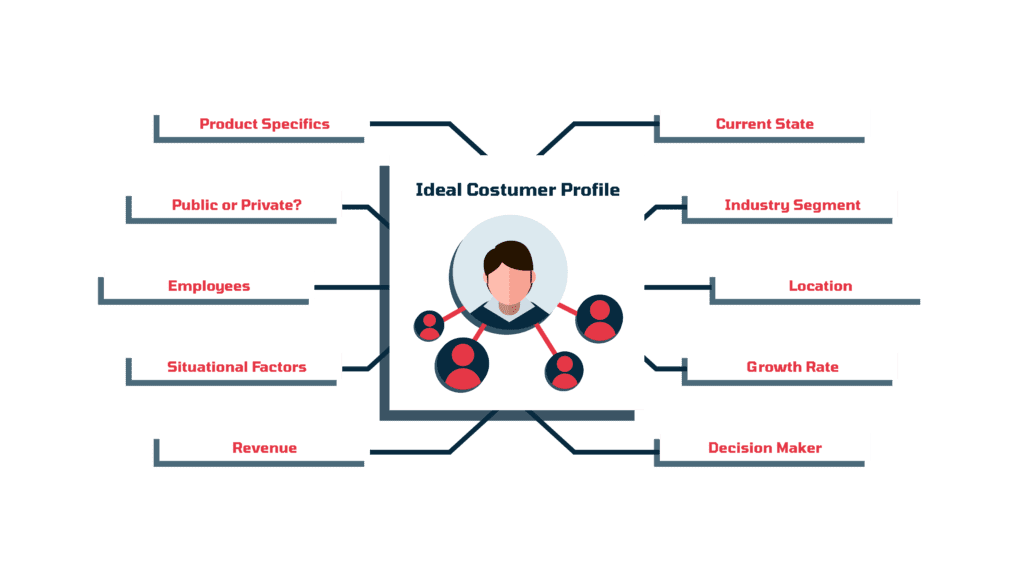
Get clear on who you’re trying to reach.
Your ICPs – broken down by industry, role, goals, and pain points – set the standard for what RELEVANT content actually means for your audience. Once you’ve defined them, map those attributes to your existing content. This means creating a simple table or spreadsheet where:
- Each ICP goes in its own column
- You list their specific goals, challenges, and keywords they might search for
- Under each, you match the content you already have that speaks to those needs
- You highlight gaps (no content for a certain goal or pain point) or overlaps (multiple posts competing for the same audience/query)
This gives you a clear visual of where your content is strong, where it’s thin, and where you might be publishing stuff that doesn’t align with any ICP.
Step 2: Set Clear, Business-Aligned Goals
What’s the goal of your audit??
More organic traffic?
Better conversions?
Customer Education?
Tie your content audit goals to broader business outcomes like MRR growth, reduced churn, or activation rate improvements. These objectives shape how you evaluate content and prioritize fixes, so you’re not just measuring for measurement’s sake, but to drive meaningful change.
Step 3: Take Inventory & Review URLs
Build a central spreadsheet with every live URL, its content type, and key metrics like traffic, bounce rate, backlinks, and publish date.
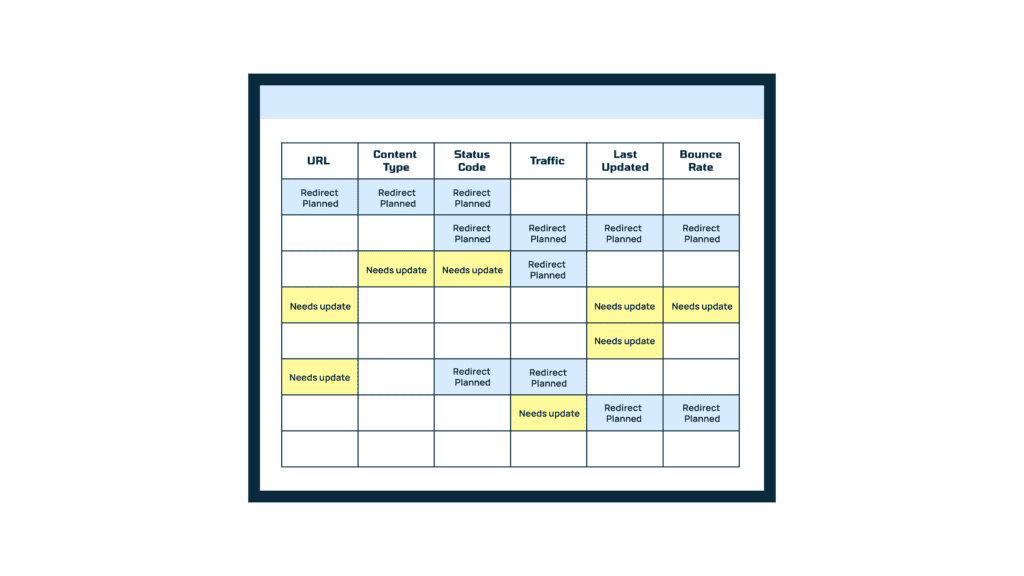
Tools like Screaming Frog, Sitebulb, or Google Search Console can automate the crawl and pull all the metadata in a matter of a few seconds, saving you hours of manual labor. And this is your audit foundation, serving as the full picture of what you’ve got and how it’s currently performing.
If you’re looking for a no-tool option, simply copy-paste your XML sitemap into a spreadsheet and clean it up yourself. But honestly, this is the worst option. It’s messy and incomplete.
If your site’s under 500 pages, you’re better off using Screaming Frog (free version) because you can!
Step 4: Analyse Content Performance
Now look at each URL in context to performance, is it pulling traffic but failing to convert? Or ranking well but not really aligned with your ICPs?
Metrics like organic sessions, bounce and dwell rates, time on page, conversions, backlinks, and keyword rankings – all will give you insight into that.
Step 5: Update, Merge, or Remove
Now – time to act on those insights. This part can feel messy, but breaking it into clear decisions helps you move with purpose. Here’s how to go about it:
- Update content that’s still relevant but outdated, like feature pages, blog posts, or how-to guides. Refresh stats, rework outdated messaging, and optimise for current search intent.
- Merge articles that compete for the same keywords or cover overlapping topics.
- Remove anything that’s beyond saving, for example, thin content, off-brand topics, or old pages getting zero traction, let them go. Cleaning up helps search engines trust your site more.
- Redirect retired URLs, i.e. if you remove a page, don’t just leave it hanging – redirect it to a similar, more useful page so you don’t lose the SEO value it already built up.
This will make space for what really works to move your SaaS business forward. McKinsey and Company reports that simply improving the relevance and engagement of your content can lead to a 5-10% lift in B2B revenue. Over time, this kind of pruning and polishing pays off across the funnel.
Want to find hidden seo wins?
A content audit can show you what’s working and what could be better. We’d love to help your Saas content get noticed and actually make an impact.
Metrics and Analysis for SaaS Content Audits
This part of the audit is all about interpreting the numbers. But instead of tracking every metric under the sun, a better idea is to focus on the ones that ACTUALLY tell you how aligned your content is with your business goals – both the ones you care about right now and the ones you’re working toward.
Below are some common goals SaaS teams aim for during a content audit, along with the metrics that map to them. Use tools like Google Analytics 4, Ahrefs, SEMrush, or Looker Studio to pull the data. And wherever possible, segment by funnel stage, traffic source, and user behavior, it’ll give you much clearer insight into what’s really driving performance.
| Business Goal | Key Metrics to Track |
| Increase revenue from organic traffic | – Organic traffic to high-intent pages- Conversion rate (free trial, demo, signup)- Assisted conversions |
| Increase total organic traffic | – Keyword rankings- Organic impressions- CTR (click-through rate)- Top landing pages by sessions |
| Improve ICP engagement with content | – Time on page- Scroll depth- Return visitor rate- Tool/calculator usage- Content shares |
| Identify content worth optimizing or pruning | – High impressions but low CTR or conversions- High bounce rate- Thin content with few backlinks |
| Improve bottom-funnel content performance | – Leads or trials generated from landing pages- Time to conversion- Engagement on product comparison pages |
| Strengthen domain authority | – Number and quality of backlinks- Referring domains growth- Link velocity |
| Build internal topical authority | – Internal links per page- Topic cluster coverage- Ranking consistency across a cluster |
A Few Tips for Deeper Analysis
- Look for patterns, not just problem pages. If multiple pages with the same format or topic are underperforming, the issue might be structural, like misaligned intent or outdated targeting.
- Compare across funnel stages. A post driving top-of-funnel traffic might not convert immediately, but if it consistently sends engaged visitors into your product or nurture path, it’s still doing its job.
Zoom in on pages with zero traffic. They’re not always dead weight; sometimes, they just need a better internal links, a meta title, or an indexability fix to get moving. - Flag quick wins. Posts with strong impressions but low CTR or high bounce rates are often just a few tweaks away from better performance.
Tools and Resources for Efficient SaaS Content Audits
A SaaS content audit is all about knowing how every piece supports your product positioning, drives sign-ups, and nurtures users through the funnel. And the right tools make this faster and more accurate, showing you which pages convert, where users drop off, and how you compare to competitors. Without them, you’re piecing together data from too many places and risk missing insights that directly impact growth.
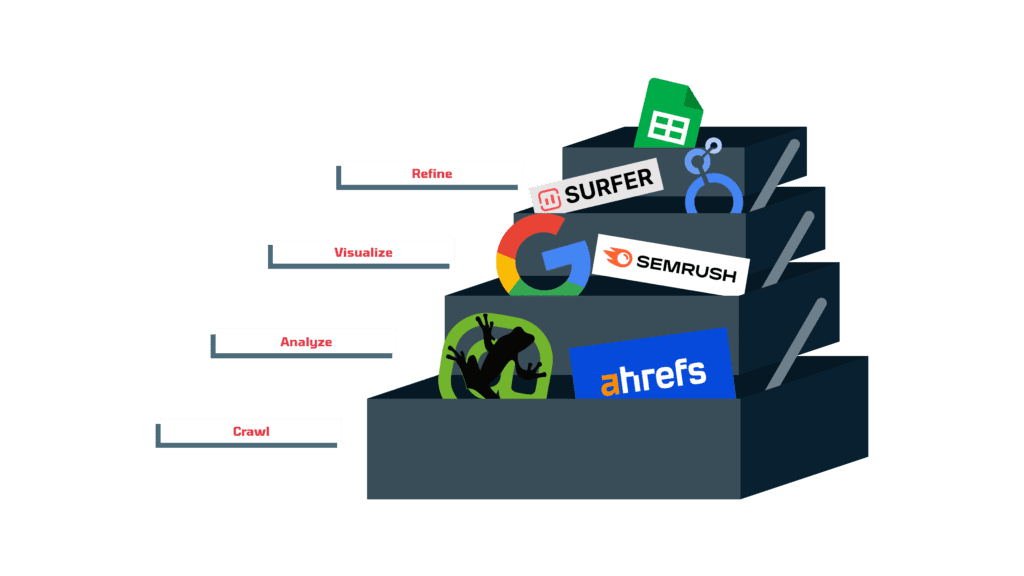
Here are a few essential tools you should IDEALLY have in your audit stack:
- Screaming Frog: Great for crawling your entire site and pulling metadata, status codes, word counts, and more. The free version covers up to 500 URLs, which is perfect for small to mid-sized audits.
- Ahrefs or SEMrush: Use these for keyword rankings, backlink data, and spotting content gaps or cannibalization. They pull this data by crawling millions of pages and tracking historical ranking changes, so you can see how your content performs across topic clusters and where it needs reinforcement.
- Google Search Console: Pull search queries, impressions, CTR, and indexation status straight from the source. A must-have for diagnosing underperforming pages.
- Surfer SEO or Clearscope: These can help analyze content quality, keyword coverage, and how well your top pages are aligned with intent.
- Google Sheets + Looker Studio: Once you’ve pulled your data, centralize it in a clean spreadsheet or dashboard. This makes it easier to sort, filter, and share insights, especially if you’re looping in other teams like product or sales.
That said, not everything can (or should) be automated. After the data dump, go through key pages manually to check for things tools can’t catch, like whether the tone still matches your brand voice, the messaging is clear, or the content feels outdated.
Final Thoughts
Content audits can feel like a slog (they are), but for SaaS teams with big goals and limited resources, they’re a smart shortcut to better performance. Instead of pouring energy into more content, you’re working with what you already have, guided by real data and business priorities.
If you’d like support running a SaaS-focused audit, or want a second pair of eyes on your strategy, we’re here for that. Book a 30-minute call with us and we’ll take it from there.
Want to find hidden seo wins?
A content audit can show you what’s working and what could be better. We’d love to help your SaaS content get noticed and actually make an impact.
FAQ: Conducting SaaS Content Audits
What is a content audit for?
A content audit is a structured way to evaluate all your existing content to see how it’s performing from an SEO, UX, and conversion standpoint. It helps you spot content that’s outdated, cannibalizing keywords, not ranking, or failing to move users deeper into the funnel.
When you get it right, it becomes the basis for making smarter decisions around pruning, refreshing, or re-optimizing your content for better organic visibility and pipeline impact.
How often should SaaS companies conduct a content audit?
A full audit every 6-12 months is ideal for high-growth SaaS teams that publish content regularly. This helps you stay on top of shifting keyword trends, evolving user intent, and algorithm updates.
In between, run lighter monthly checks too, like monitoring declining pages or reviewing top-of-funnel performance, so you can catch issues early and keep your SEO engine running efficiently without letting technical or content debt build up.
What tools are best for conducting a SaaS content audit?
Start with Screaming Frog to crawl your site and collect metadata, status codes, and internal links. You can pair it with Google Search Console and GA4 to get traffic and engagement metrics, Ahrefs or SEMrush to check rankings and backlinks, and a dashboard tool like Looker Studio or Google Sheets to analyze everything in one place.
These tools help you align visibility and performance with user behaviour, which is very useful for figuring out what to cut, consolidate, or optimize.
Why are content audits important for SaaS SEO?
Because things change – search intent shifts, algorithms update, your product grows. Audits keep your content aligned with what your ideal customers are actually looking for and help you catch things like outdated info, underperforming pages, or content overlap.
How does a content audit help reduce customer acquisition costs?
A content audit lets you get more mileage out of content you already have. By improving visibility and performance through SEO, you’ll rely less on paid ads to drive signups, which means better CAC in the long run.